Automating email triage with AI and n8n
By Clément Lacaille (Tech-Bharat) · Published 24 March 2026 · 3 min read · how we build and test
AI Inbox Pack — €79
4 ready-to-import n8n workflows, setup guide in French, 14-day guarantee
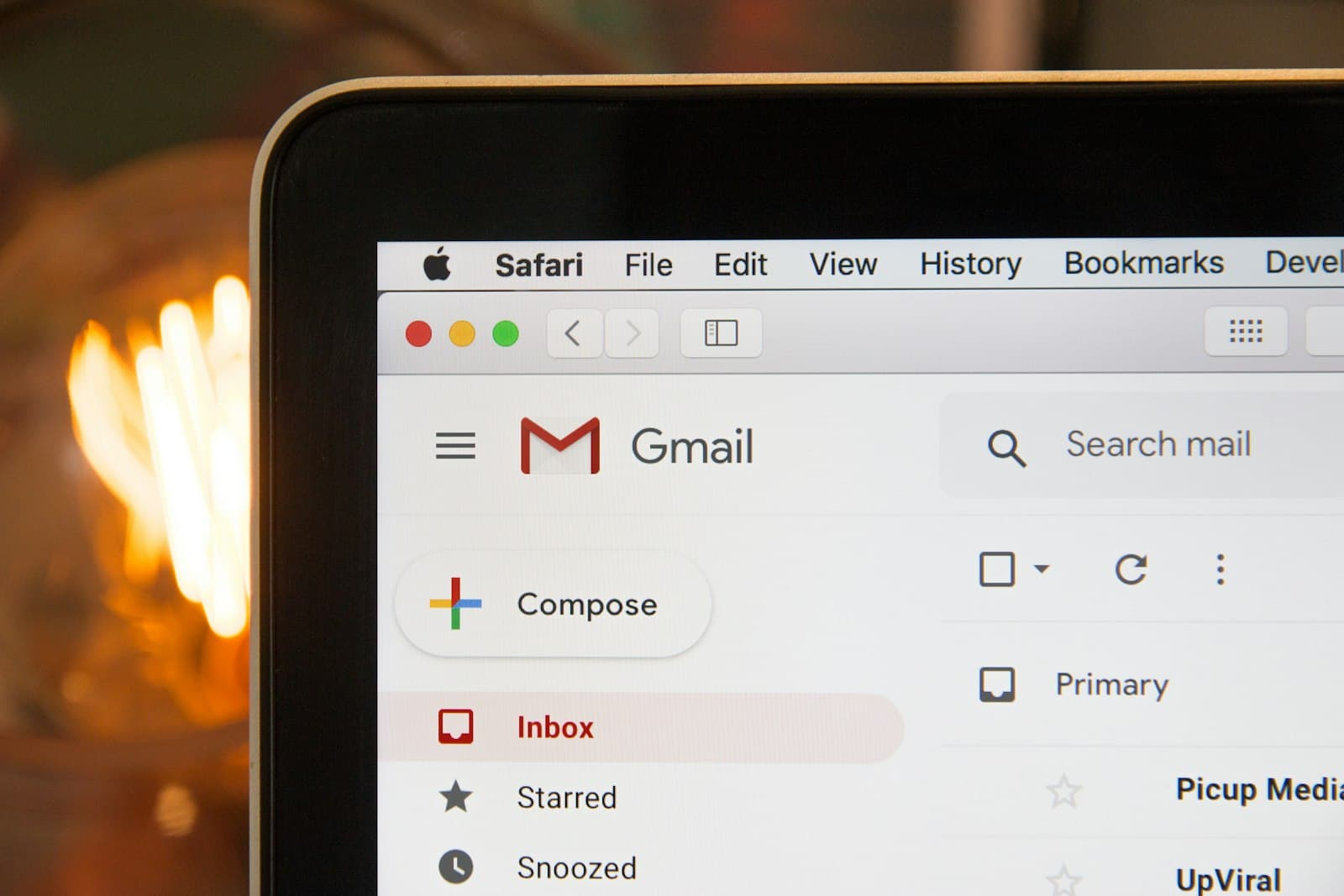
Email is the highest-yield automation target in most small businesses: everyone has too much of it, and the sorting logic — urgent versus ignorable, client versus newsletter — is precisely what large language models are good at. Here is the architecture of an AI-triaged inbox in n8n, and the design choices that make it hold up in production.
Getting emails into n8n: IMAP or Gmail trigger?
Two trigger options, one real question — portability versus convenience.
Email Trigger (IMAP) works with any provider exposing IMAP: Gmail, Outlook, OVH, Fastmail, your own mail server. Port 993, SSL, and for Gmail an app password. It delivers the raw message (subject, sender, text, attachments) and keeps you vendor-neutral.
Gmail Trigger uses the Gmail API via OAuth2. Setup is heavier the first time (OAuth consent) but you gain API niceties: labels, threads, and above all the ability to create drafts — which IMAP cannot do.
Practical answer: IMAP for reading and classifying, Gmail API for anything that writes back into the mailbox. That's exactly how the AI Inbox Pack splits its four workflows.
Classification: make the model answer in JSON
The naive approach — "categorize this email" in a prompt, then string-matching the reply — breaks the first time the model adds a polite sentence. The robust pattern has three parts:
- A Set node that keeps only subject, sender and body, truncated (4,000 characters is plenty for classification and caps token cost).
- A Basic LLM Chain with a system prompt that defines each category operationally: not just "urgent", but "blocking incident, angry customer, legal deadline, money being lost".
- A Structured Output Parser enforcing a JSON schema:
categorieas an enum, a one-sentenceresume, a boolean for known-important senders.
With the enum constraint, the downstream Switch node routes on exact values, not on whatever the model felt like writing. In months of production use, this pattern's failure rate is effectively zero with gpt-4o-mini.
Scoring urgency instead of classifying
Categories answer "what is it?"; a score answers "how fast should someone look?". A 1–5 urgency rubric in the prompt — 5 for a blocking incident, 1 for inbound prospecting — plus a threshold IF node gives you an interruption policy you can tune with a single number. Two details matter:
- Instruct the model to ignore performative urgency: "URGENT" in a cold email's subject line is still a 1.
- Ask for a one-sentence justification and a suggested next action. The justification makes threshold tuning rational, and the action ("reply before noon confirming handling") turns the Slack alert into something actionable.
The digest: batch what isn't urgent
Everything under the threshold shouldn't generate a notification — it should accumulate in a queue (a simple Supabase table works well) and arrive once a day as a digest. A schedule trigger reads the queue at 8 am, an Aggregate node hands the full list to the model in one call, and the prompt enforces a strict format: priorities first, newsletters grouped in one line, fifteen lines maximum.
The digest is where LLM summarization genuinely shines: reading one structured message beats opening thirty emails, and the whole thing costs a fraction of a cent per day.
Drafts, not auto-replies
The tempting last step — letting the model answer emails — is where most projects should stop and think. Our position: generate drafts, never sends. A draft in the Gmail thread with placeholders like [PRICE] wherever the model can't know the answer captures 80% of the writing time while keeping a human on every send. The asymmetry of risk (one bad auto-reply to a client versus thirty seconds of review) makes this an easy call for customer-facing mail.
Where to start
Start with classification alone and a Slack alert for the urgent category; that's one afternoon of work including prompt tuning, or two clicks if you import a ready-made template. Add the digest the following week, then drafts once you trust the system's judgment. Building it yourself is a great n8n education; if you'd rather skip to the working version, the four workflows of the AI Inbox Pack are exactly this architecture, prompts included.